







Modality maps to complexity. Prompt Bar for queries. Full-screen for ideation. Split-screen for structured workflows. Canvas for complex orchestration. Rail for explanations. Contextual overlays for just-in-time guidance. The progression was intuitive to users. The absence of it is what failed them in existing products.
Nextgen AI Assistant.
From a single rail to an eight-modality landscape across every Adobe CXO product. Design, engineering, and PM, working horizontally.
Scroll to read
ai assistant
It started as a Summit demo.
The rail helped users learn the product, get answers in context, and surface insights about their objects and data.
First-gen AI Assistant · AEP · 2024
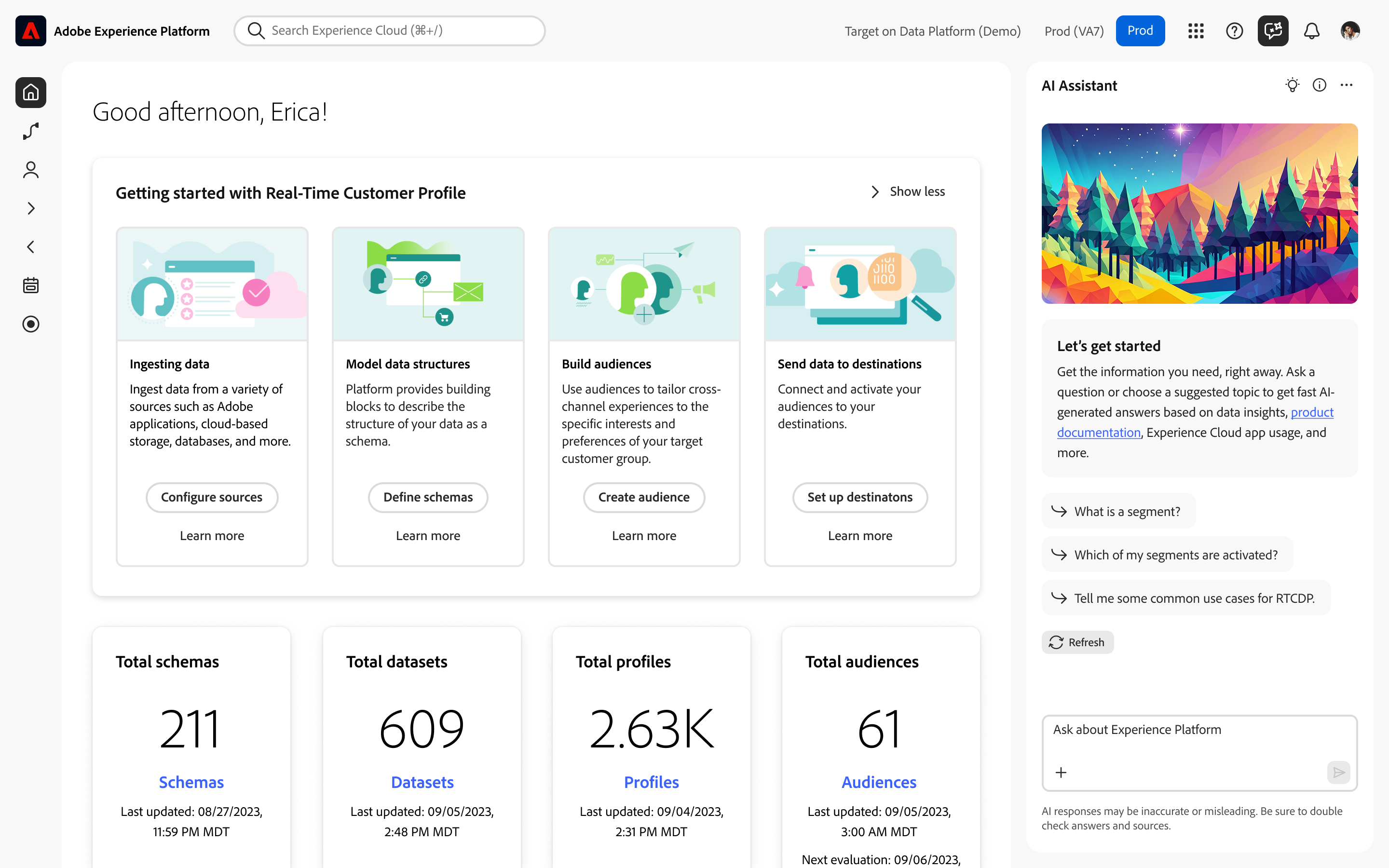
aep-rail.png
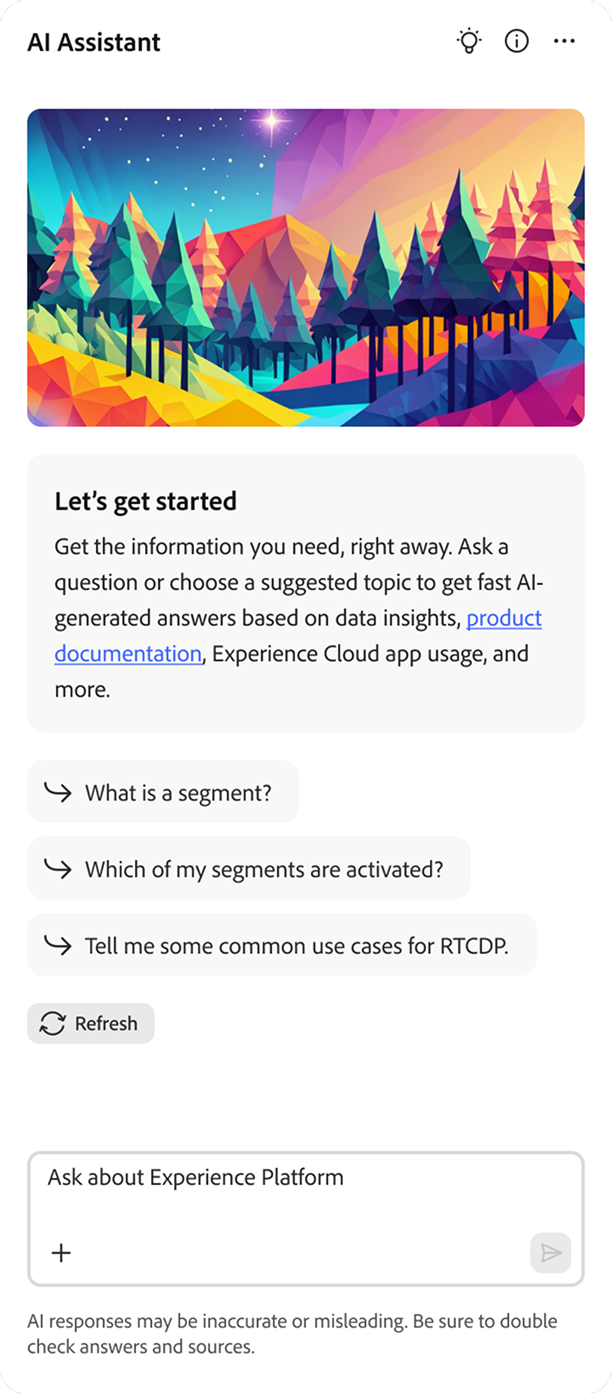 [ first-gen rail · screen 01 ]
 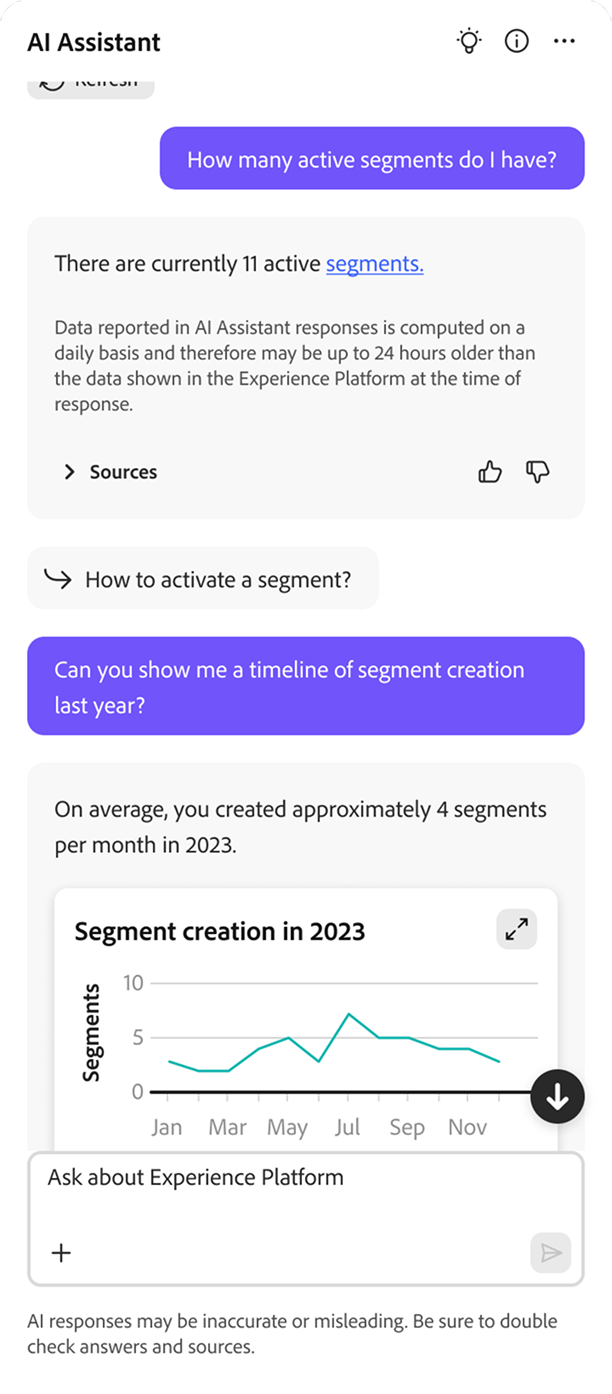 [ first-gen rail · screen 02 ]
 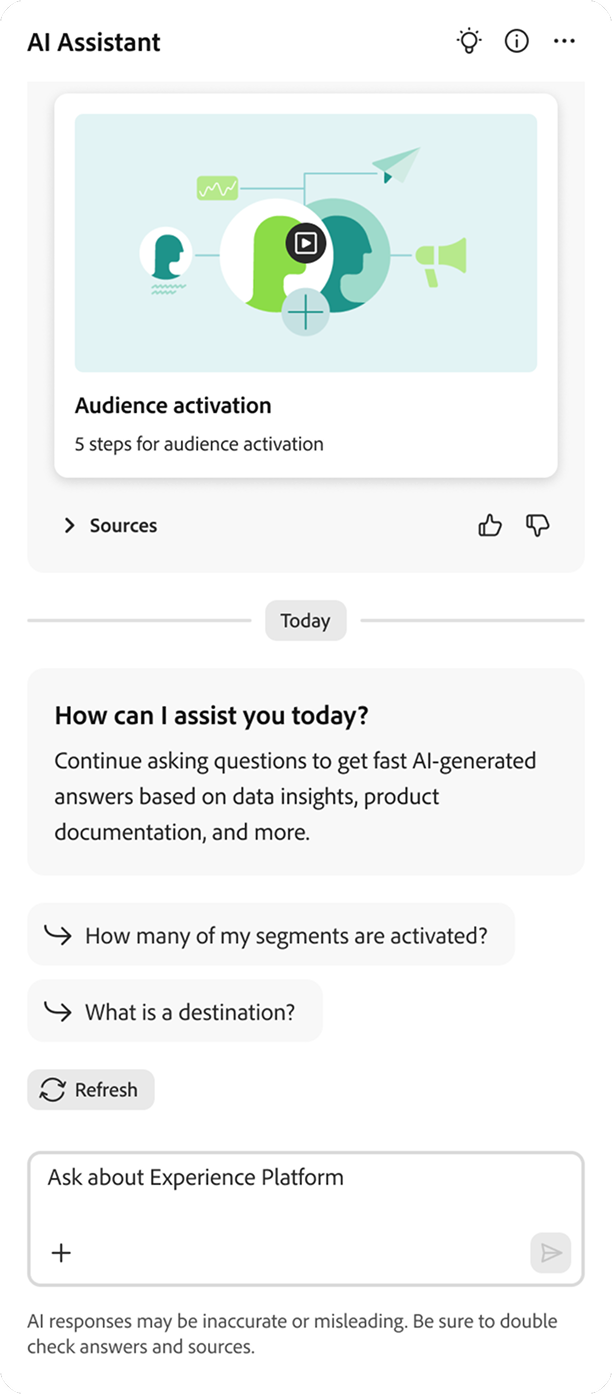 [ first-gen rail · screen 03 ]
 First-gen AI Assistant · Fullscreen · 2024
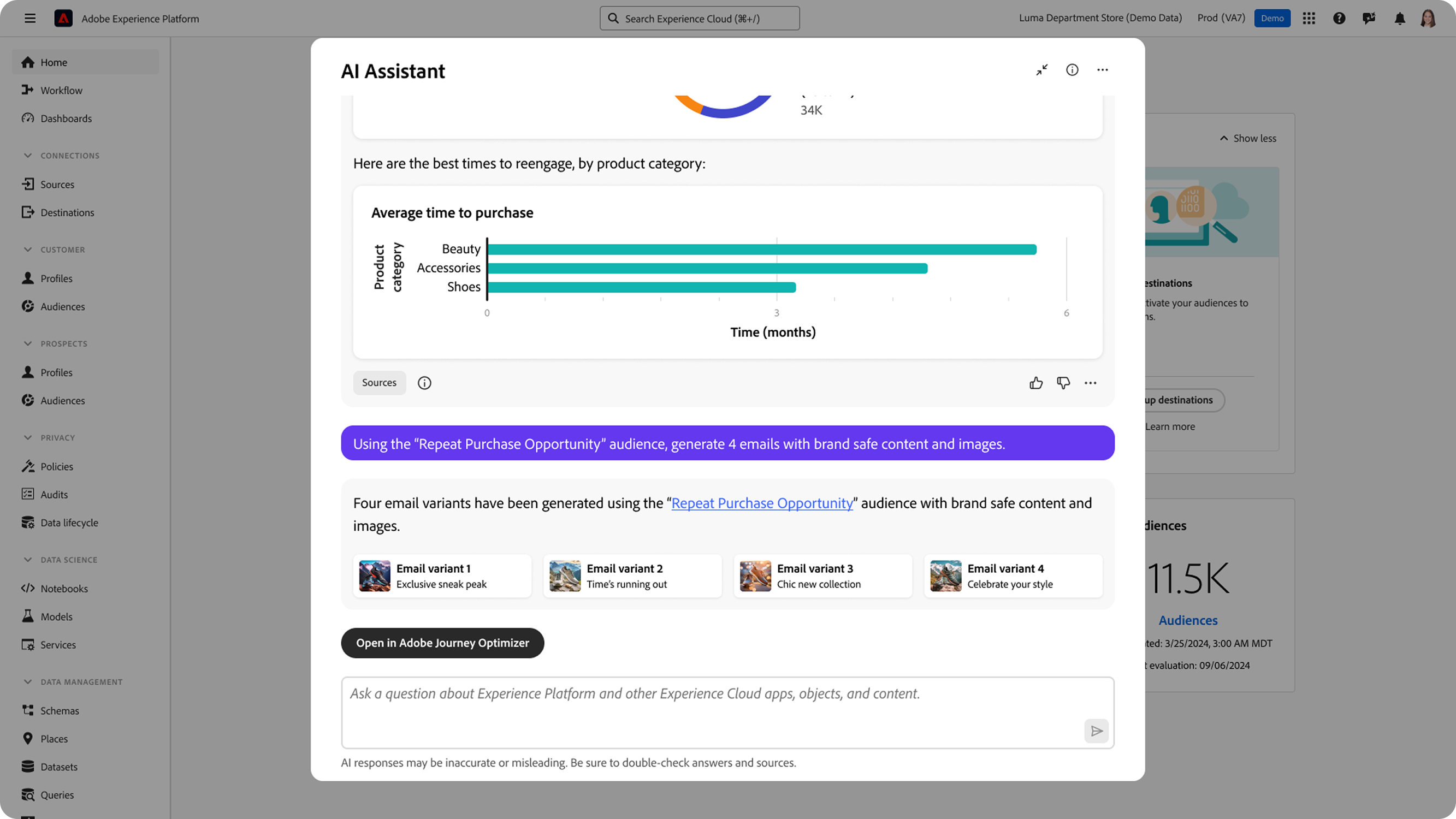
modalfirstgenaia.png
ai assistant
Stakeholders wanted fullscreen.
Leadership wanted a full AI experience with fullscreen chat, like competitors had built.
The reframe
The ask was "make it bigger." The real problem was context.
ai assistant
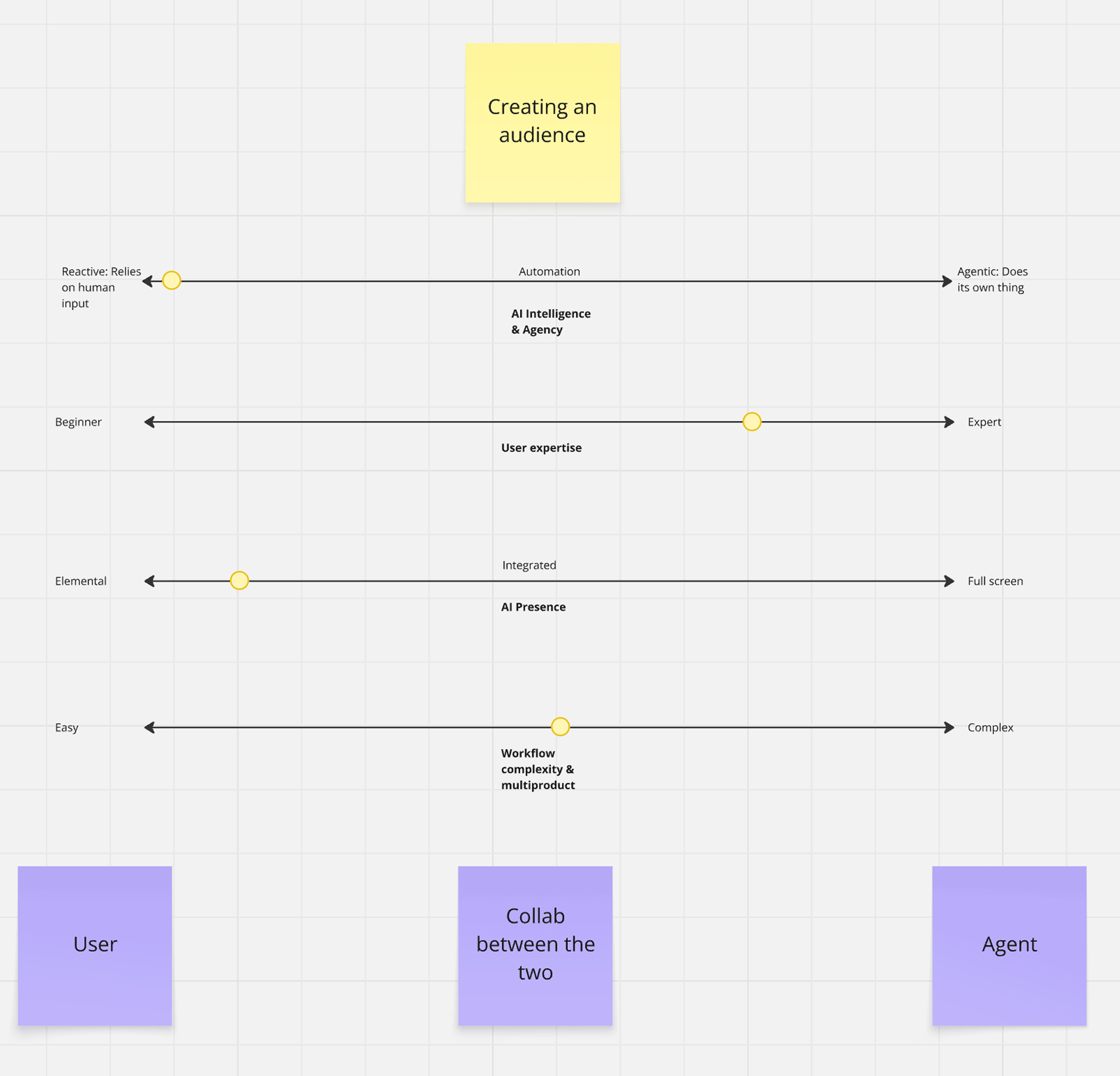
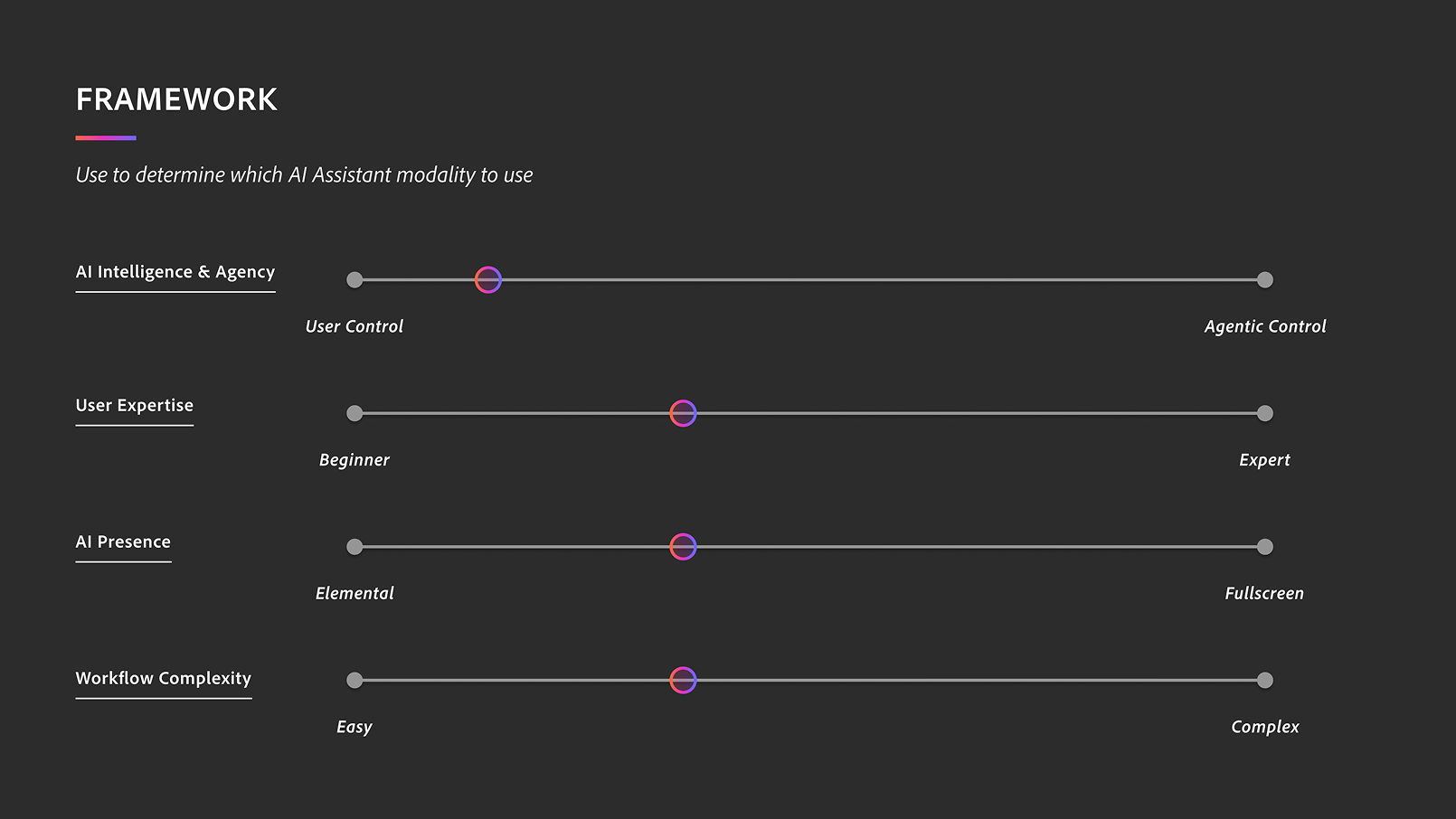
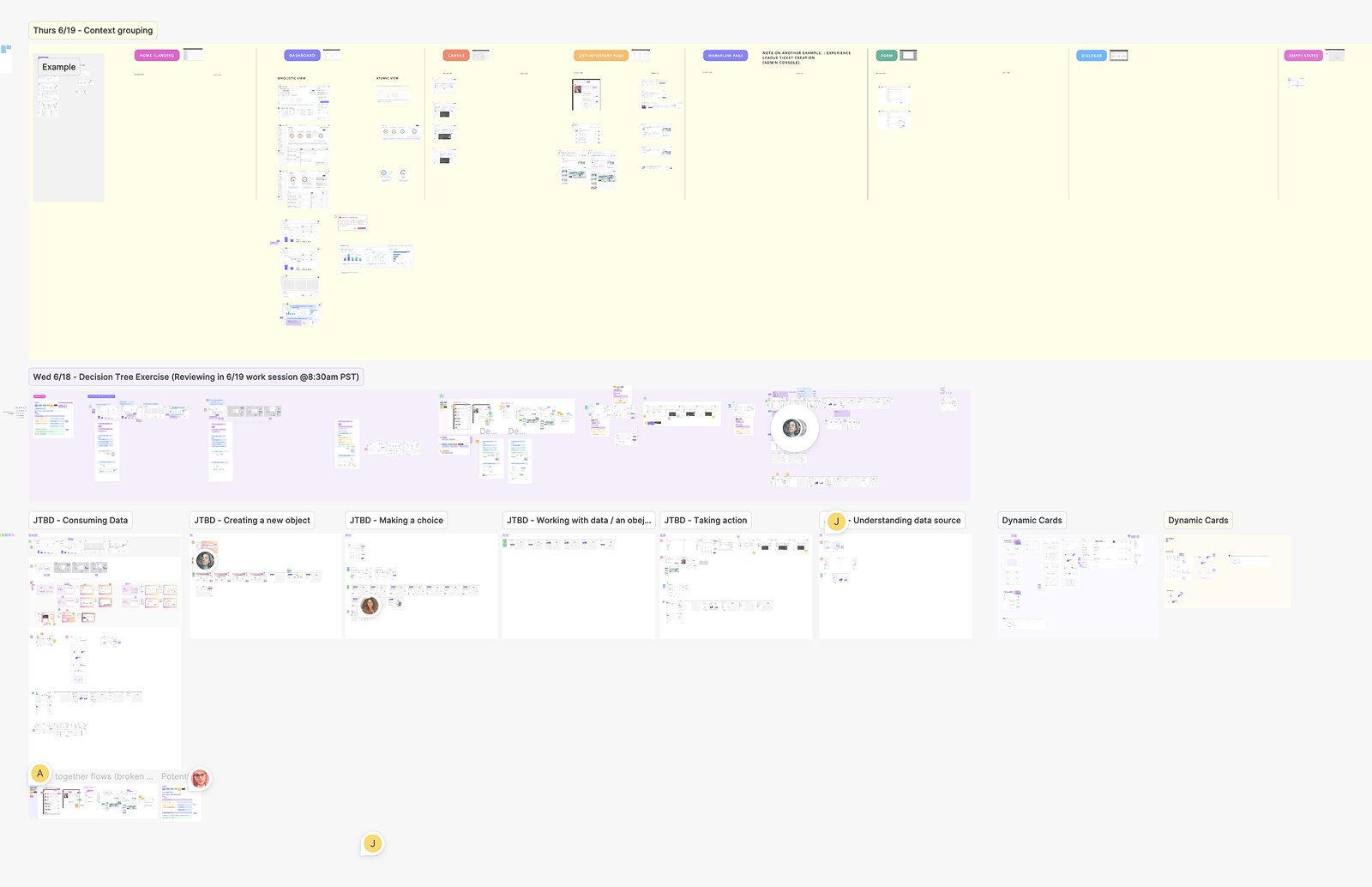
We ran workshops to figure out what right looked like.
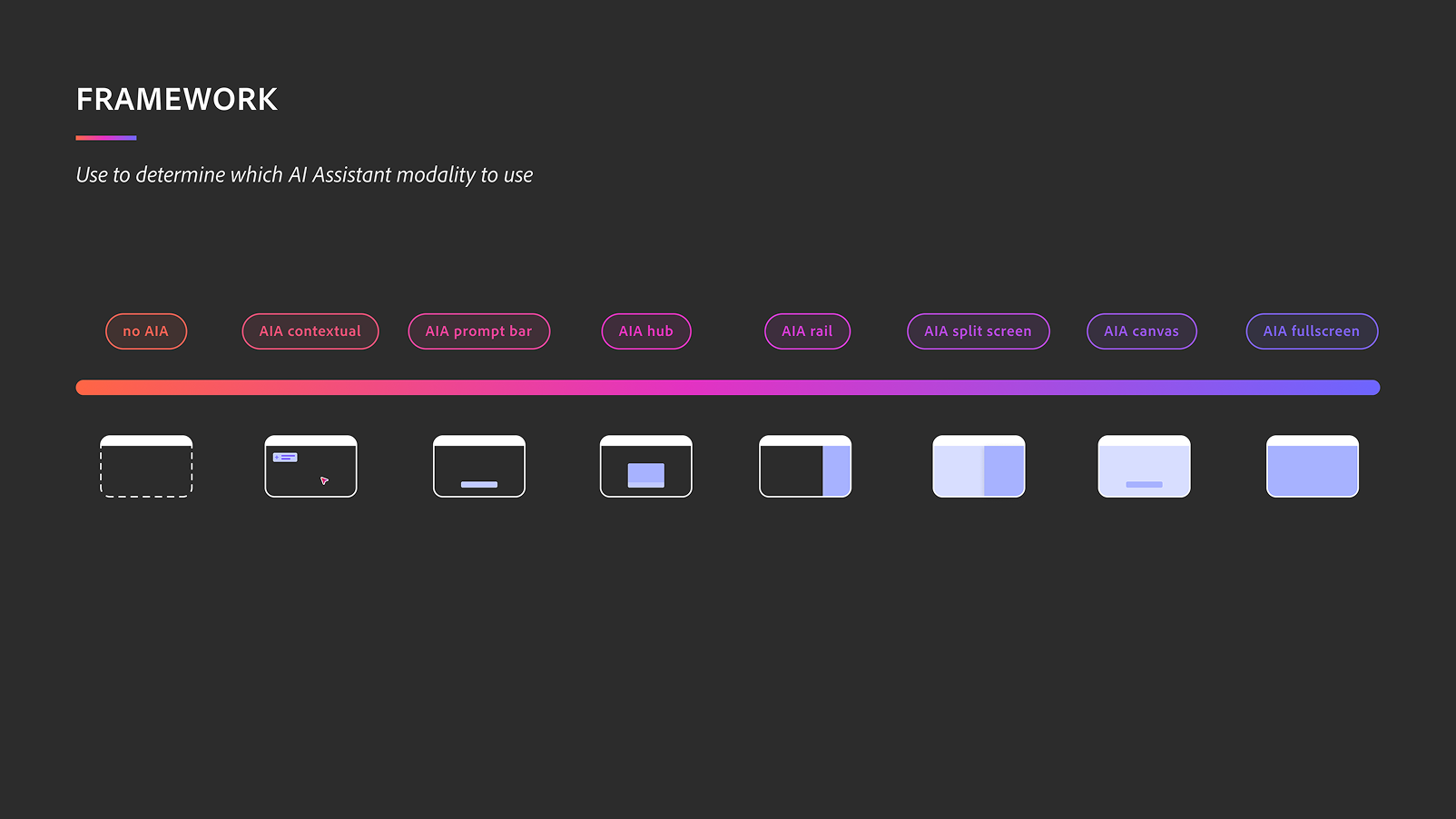
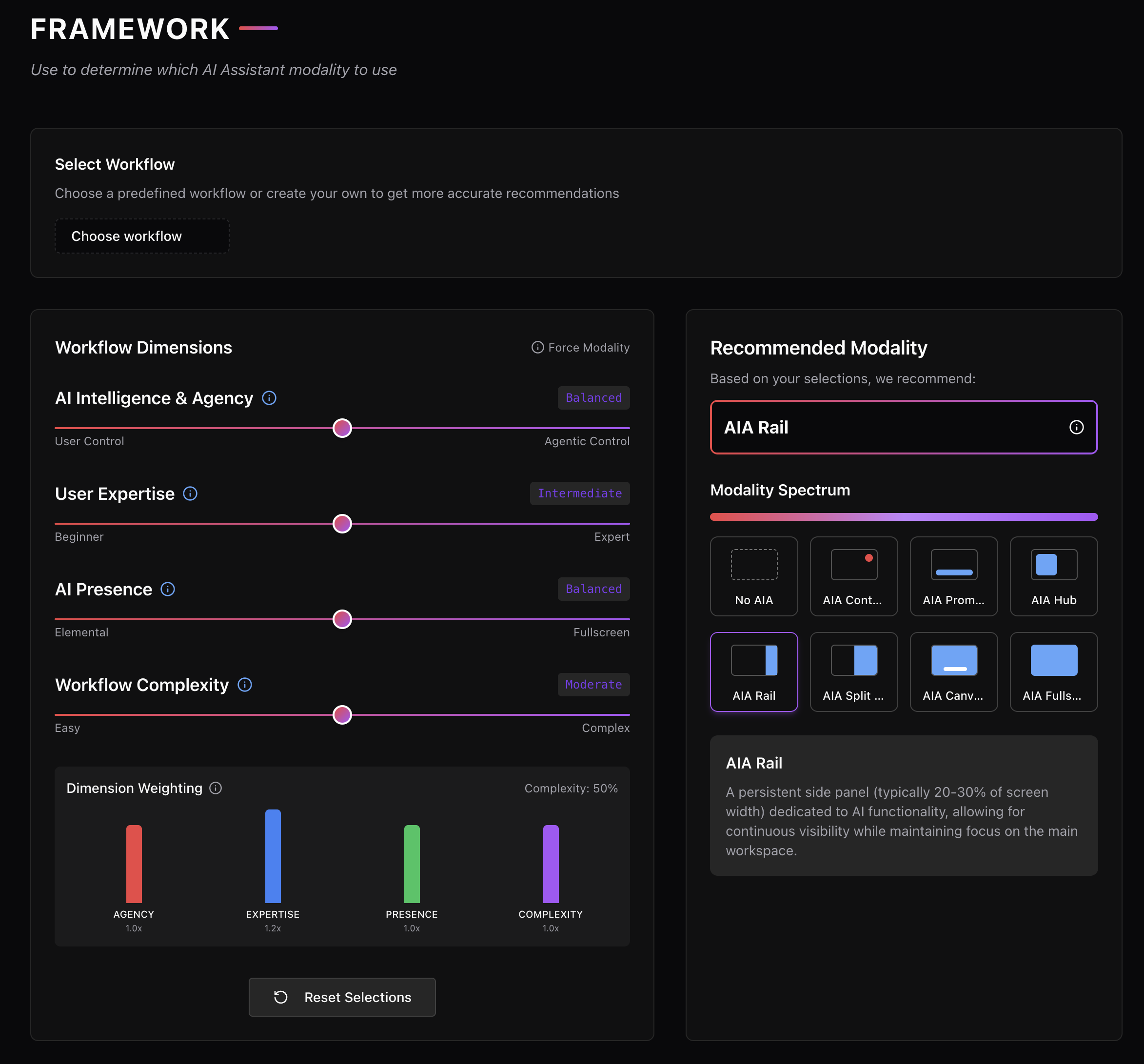
We started with the Audiences case study and worked it through a four-dimensional space. AI intelligence and agency. User expertise. AI presence. Workflow complexity.
ai assistant
Tools work in fixed flows. AI doesn't fit one.
Traditional interfaces follow fixed flows. With AI, interfaces must become fluid, dynamic, and context-aware.
The landscape
Contextual
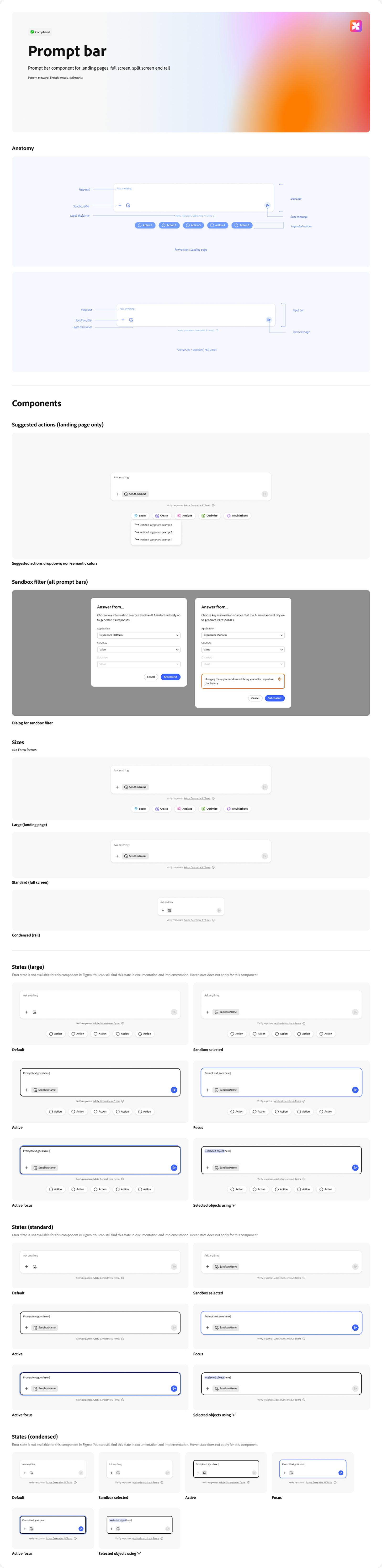
Prompt bar
Hub
Rail
Split
Canvas
Fullscreen
Immersive
Contextual.
AI shows up inside the artifact you're working on.
Inline edits, annotations, tooltips. It recommends, you decide.
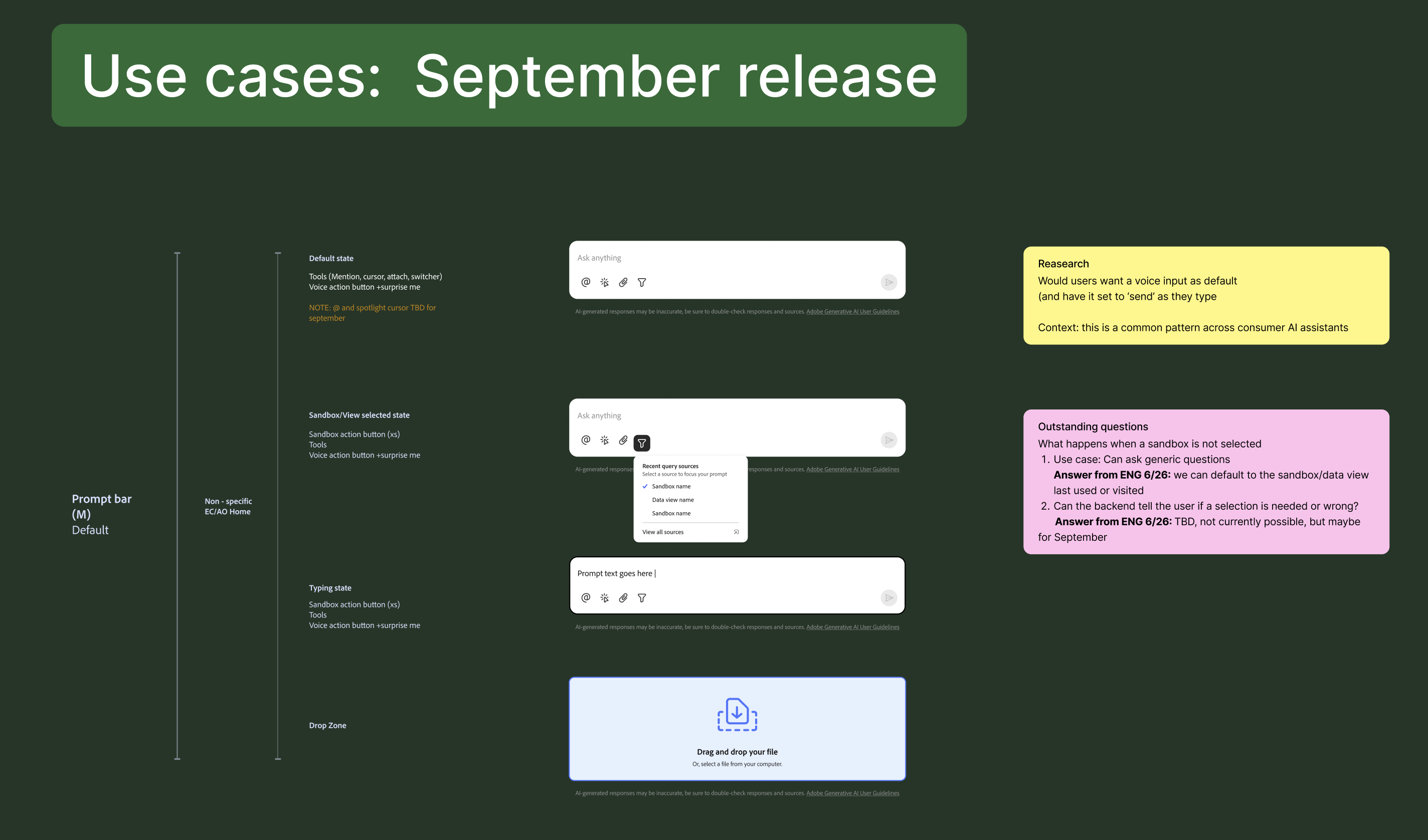
Prompt Bar.
AI as a quick query.
Type in natural language. Get an answer. Move on.
Hub.
AI as a command center.
One place to review activity, search across objects, start new workflows.
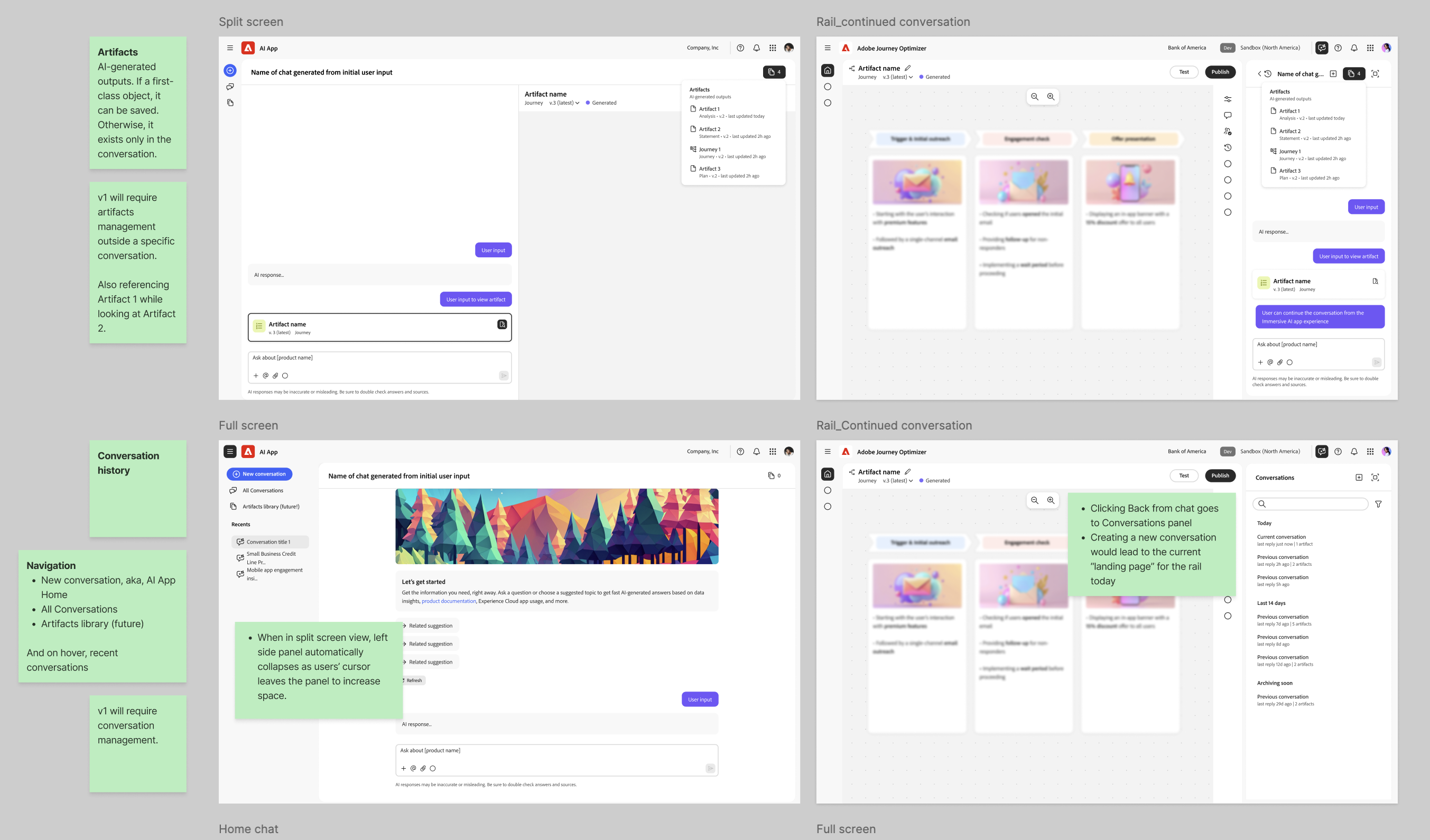
Rail.
AI in a persistent rail.
Always present, never demanding. Familiar by design.
Split-Screen.
AI side by side with your work.
One half conversation, one half content. Built for iteration.
Canvas.
AI on a hands-on surface.
Drag, drop, edit, undo. For non-linear work where you stay in control.
Fullscreen.
AI takes the full screen.
For deep focus, brainstorming, and strategy.
Immersive.
AI as a co-creator.
Shared environment, shared artifacts. AI-first by design.
ai assistant
Eight shapes need three axes to compare against each other.
A landscape isn't useful without a coordinate system. We picked three dimensions that let any modality be placed against any other — and let teams reason about which shape fits which job, without re-litigating it every time.

01
Workflow Complexity
How demanding the task is to complete, both in steps and in judgment. How heavy is the lift?

02
AI Autonomy
How independently AI acts on behalf of the user. How much of the work does the human still own?

03
AI Reasoning
The AI's ability to understand context and solve problems. How much intelligence does this workflow need to support?
Try it
The framework.
Three sliders. Eight modalities. Pick a modality to see its three-dimension fingerprint, or move the sliders to find the modalities that match your situation.
What the framework unlocked
AI workflows don't follow fixed paths. Modalities gave us shapes for that. Eng, design, and PM had a shared language for where AI should appear and why. That opened up hybrid UI in product, meeting users in the work they were already doing.
ai assistant
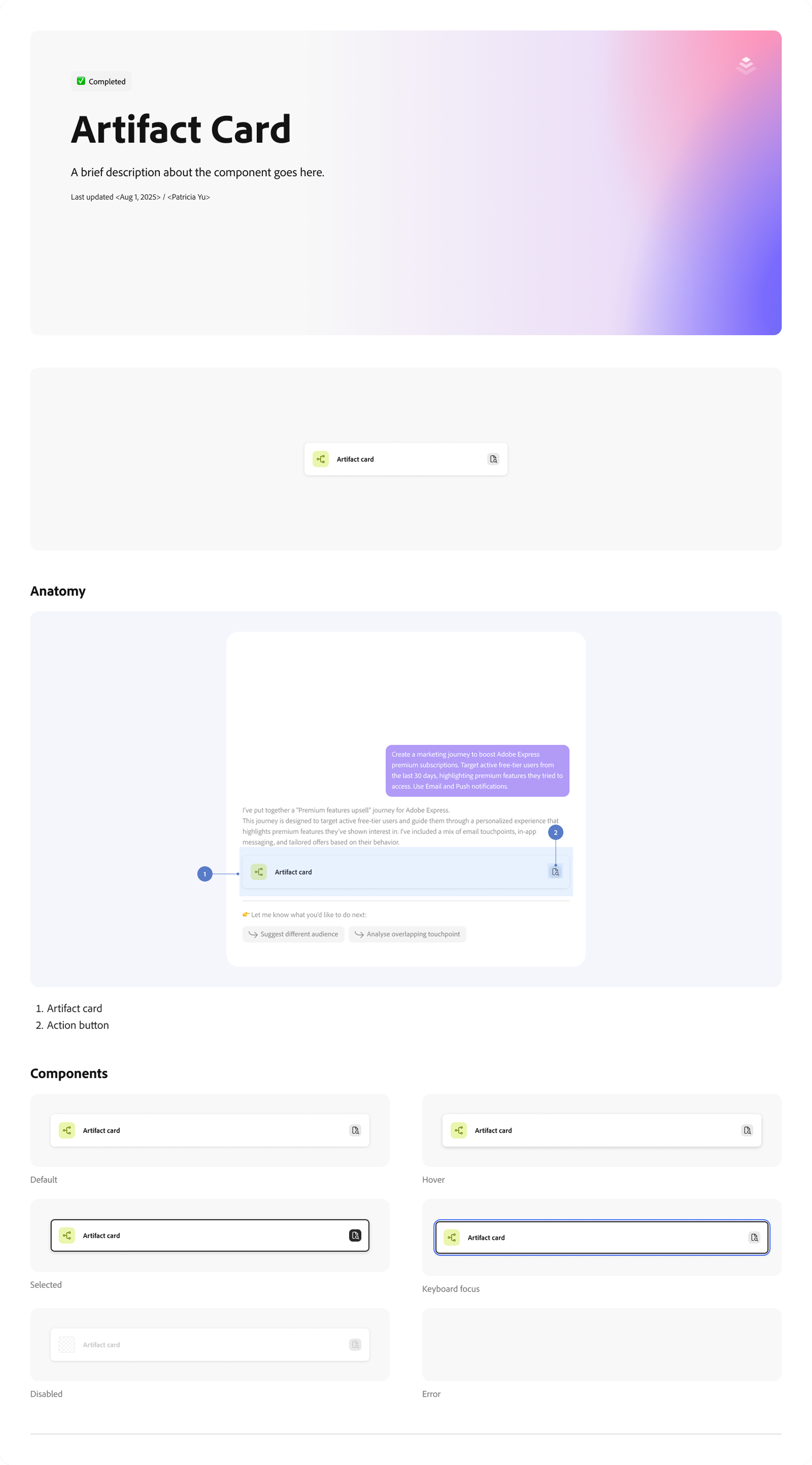
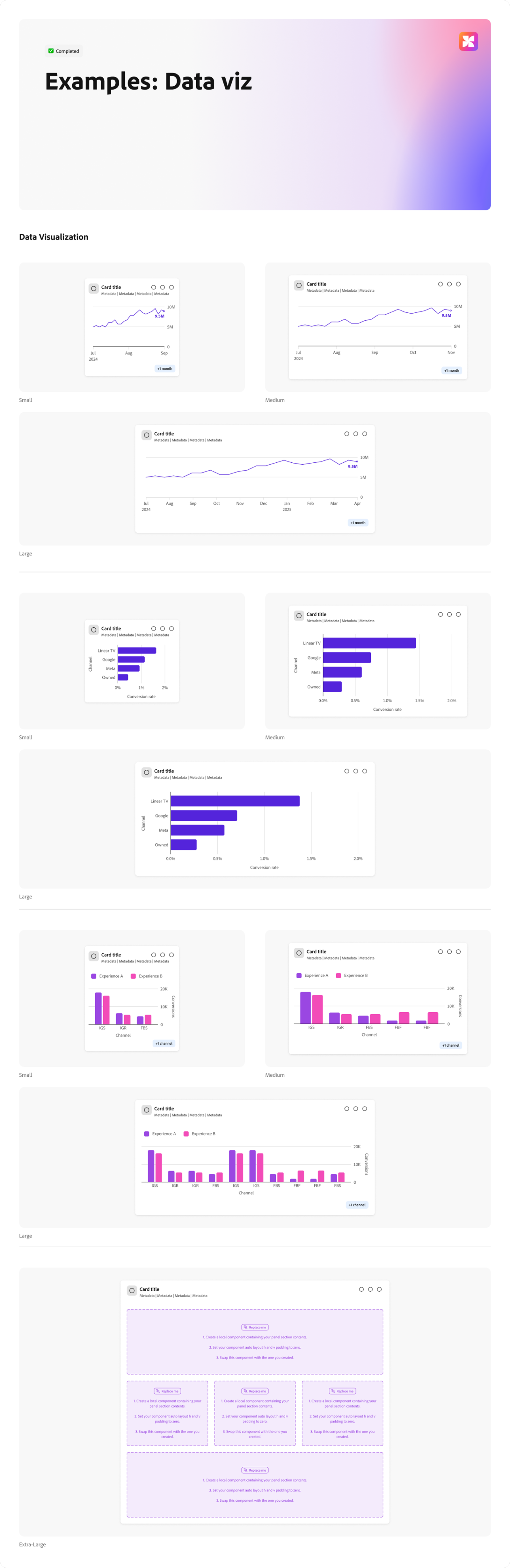
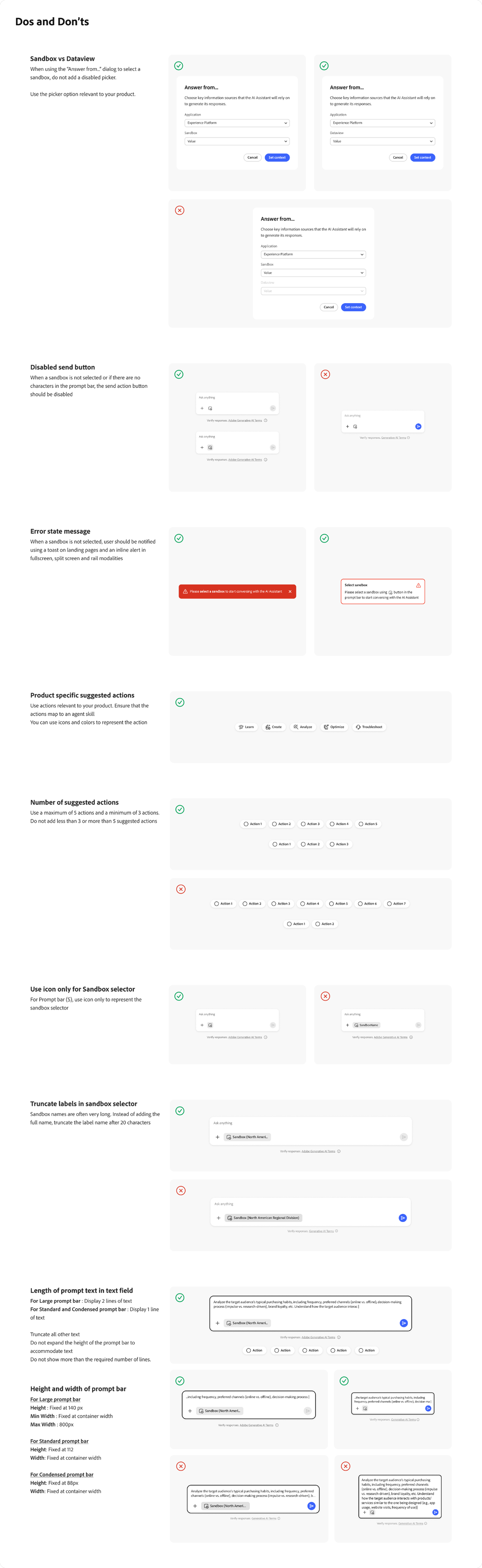
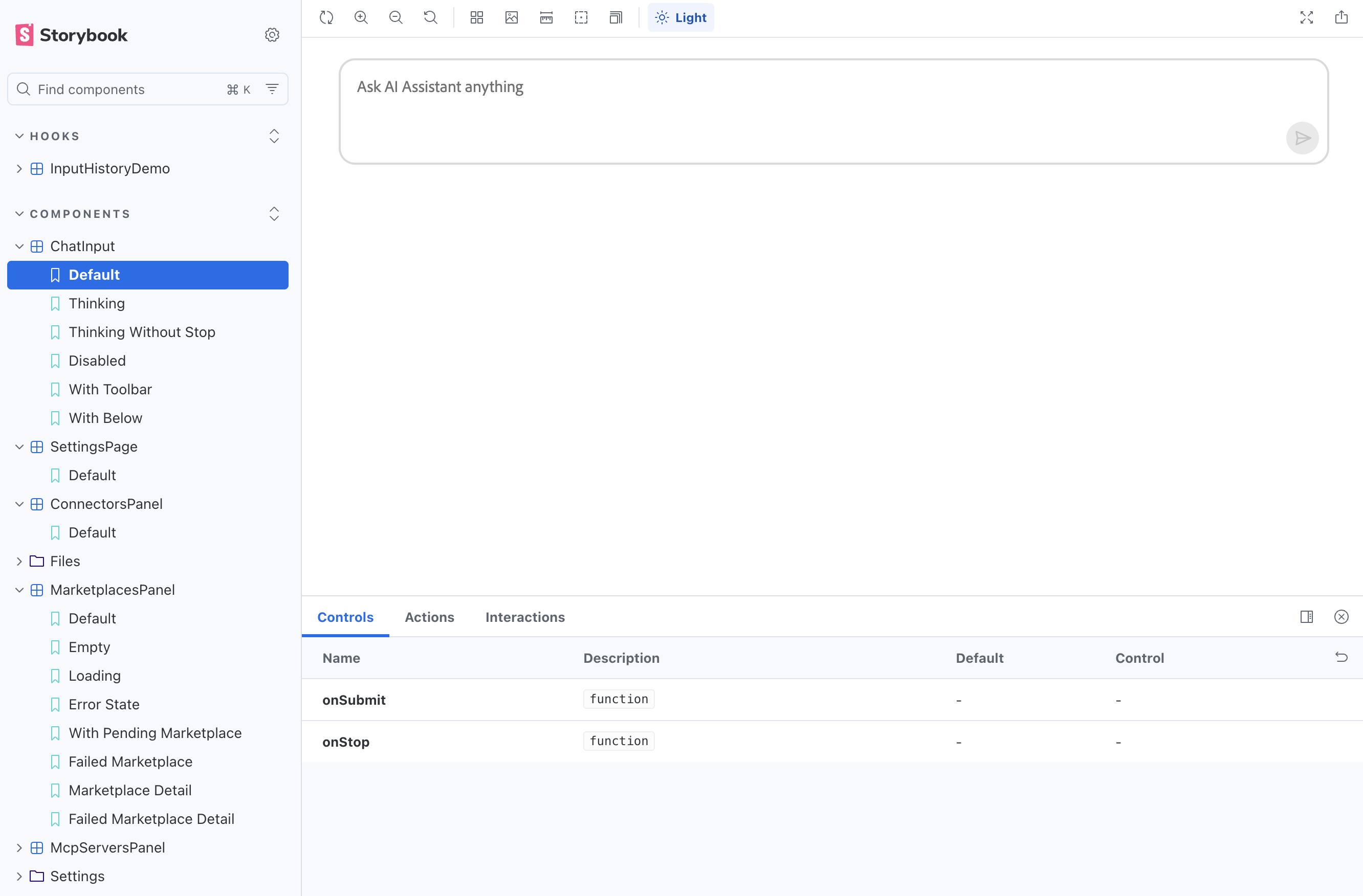
Three months to design and ship.
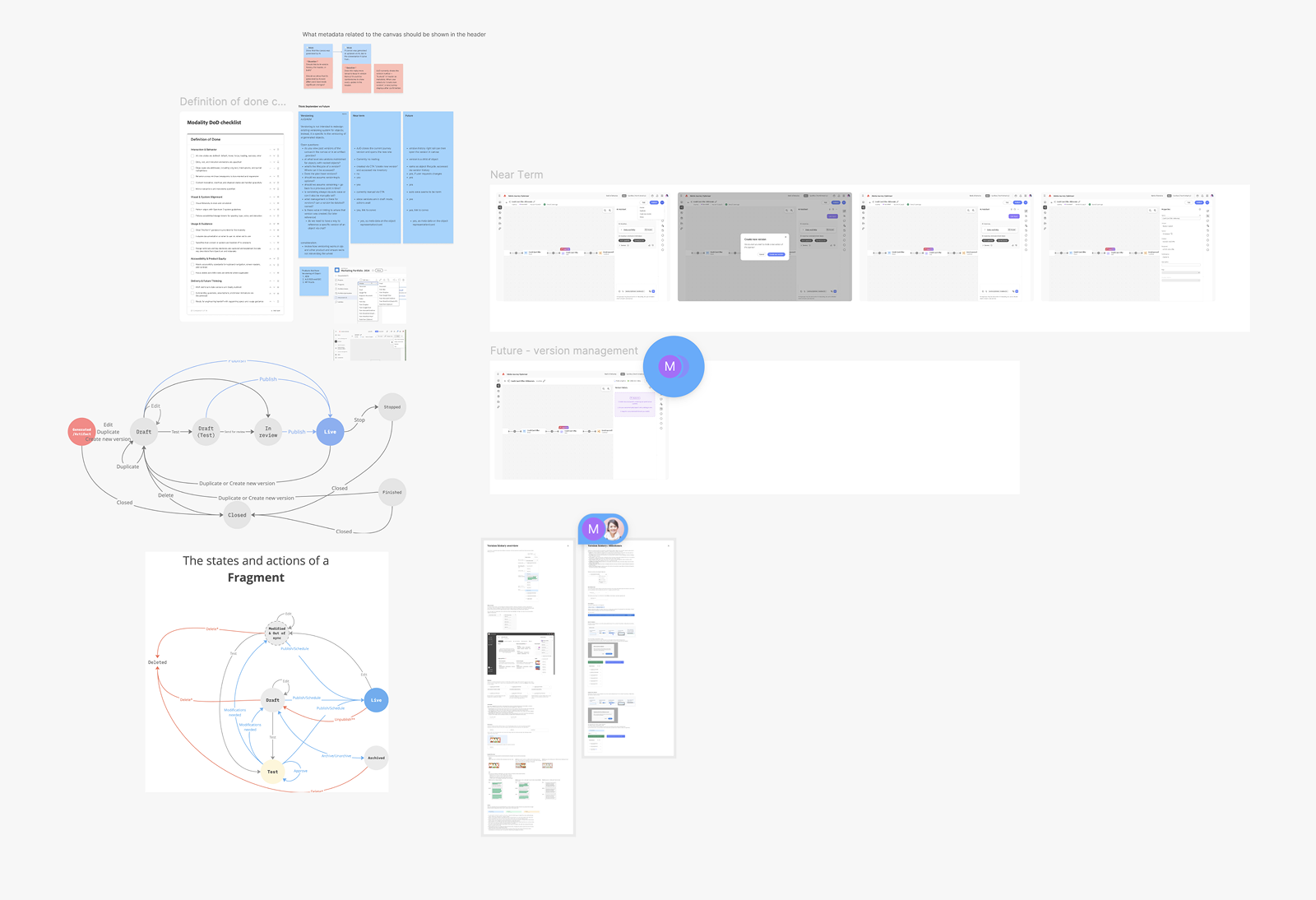
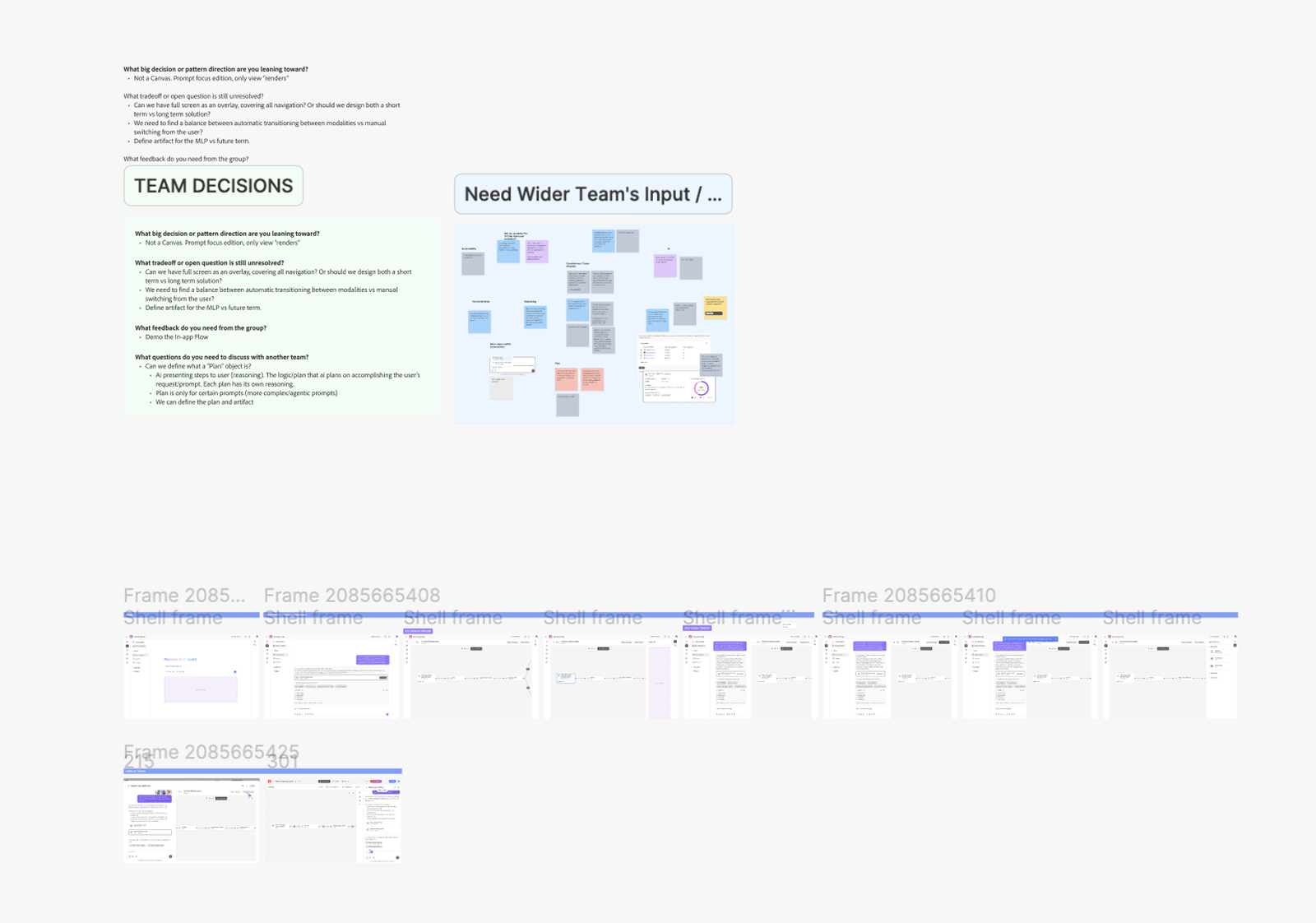
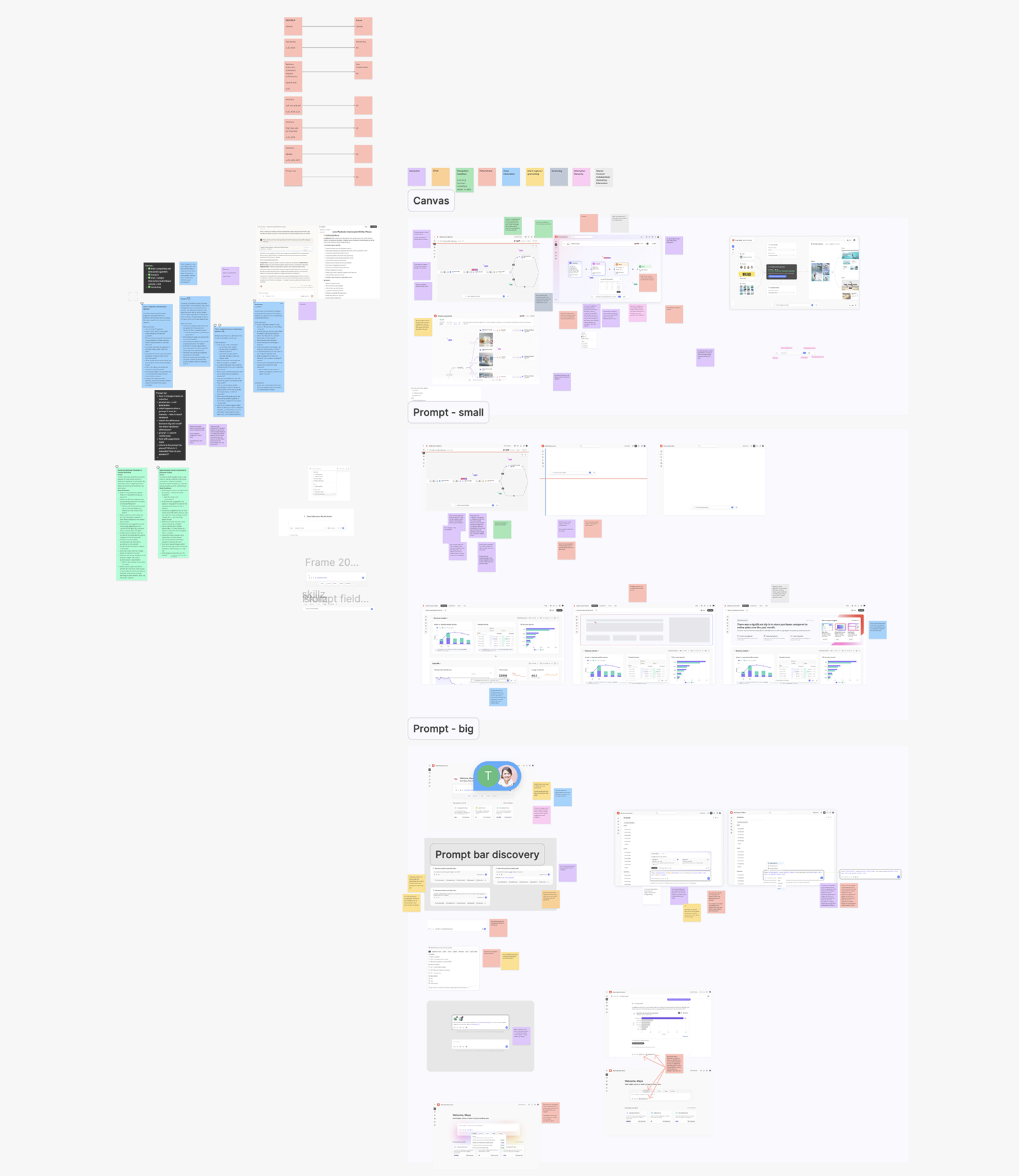
Three months to design components and patterns, and to work with agent teams on the end-to-end experience. We prioritized by what was most feasible for the deadline.
June
1
Month One — Foundation
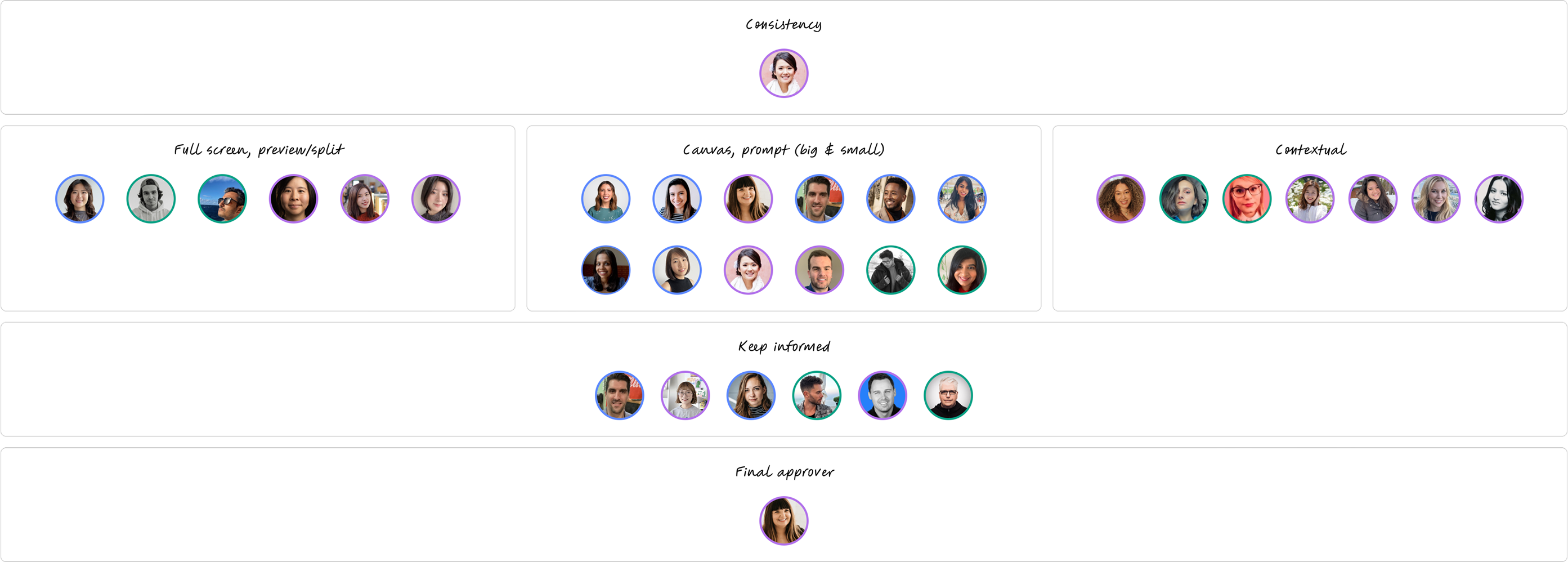
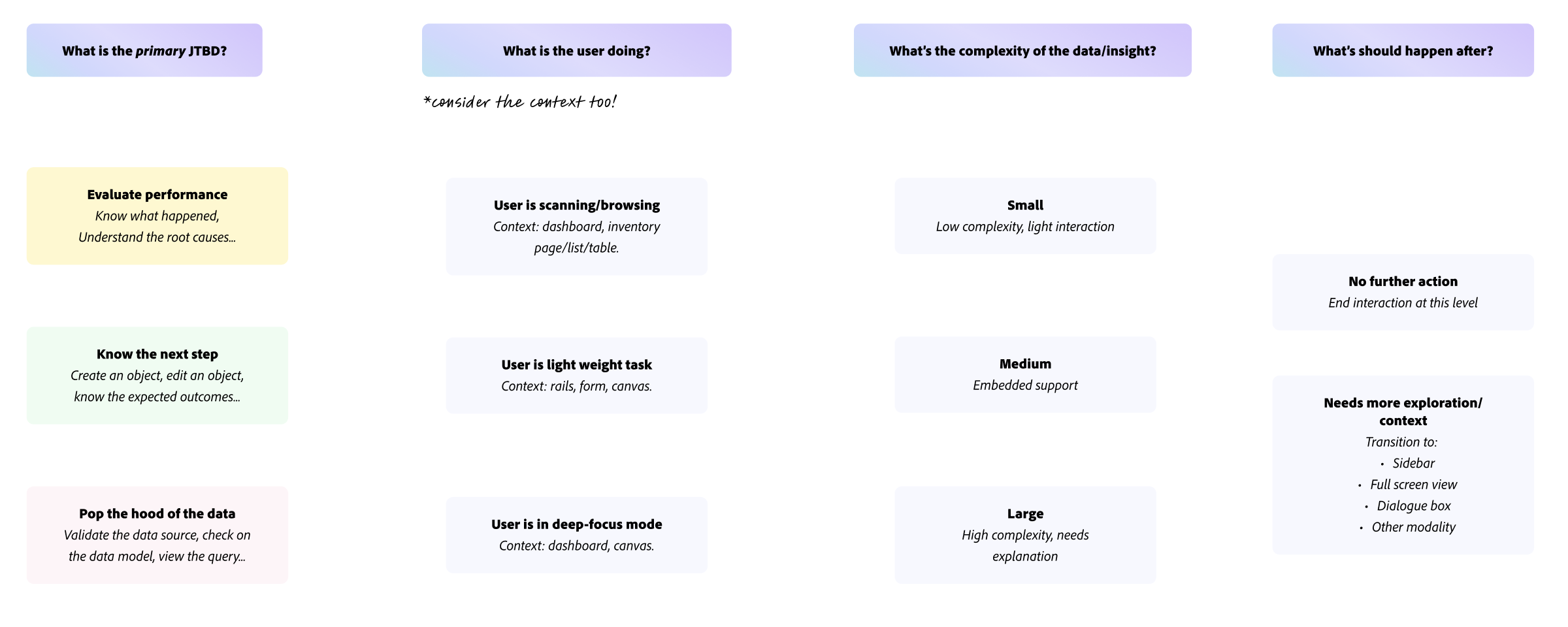
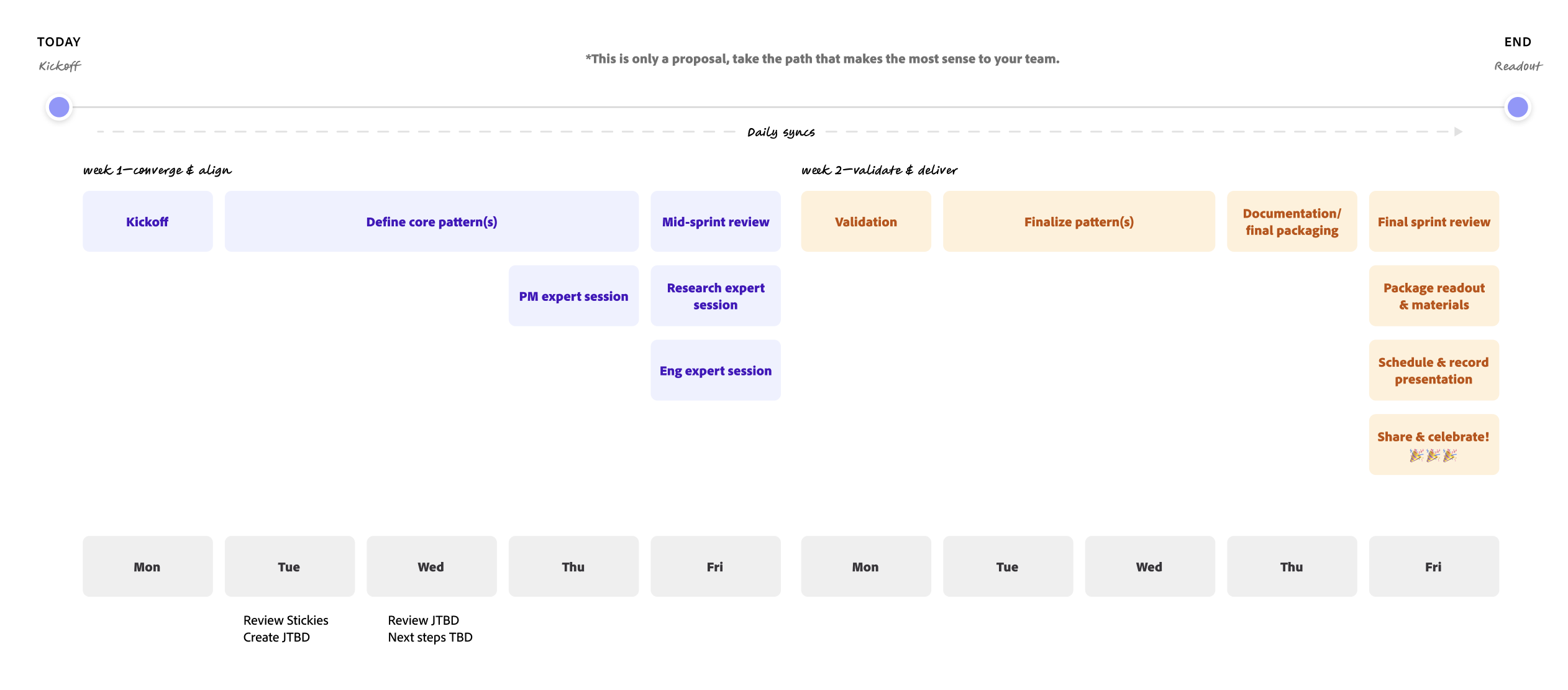
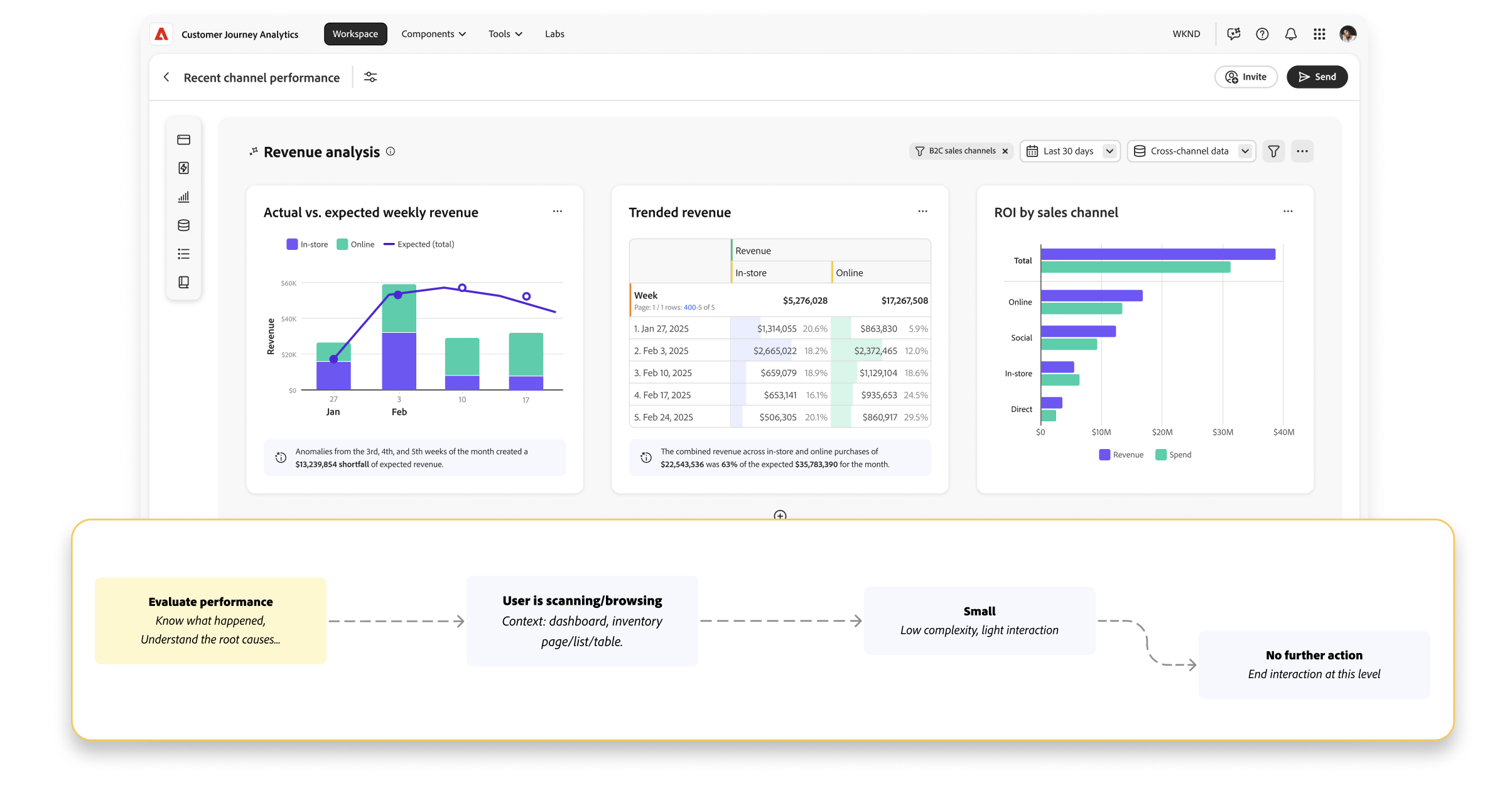
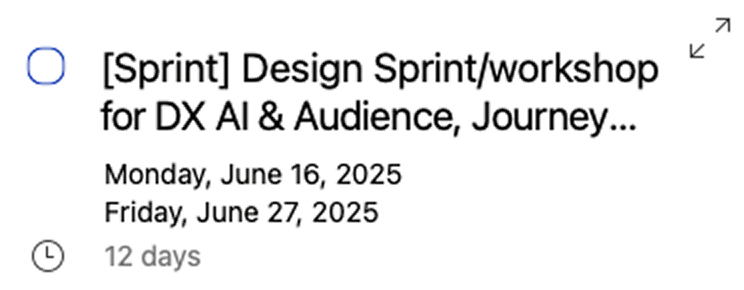
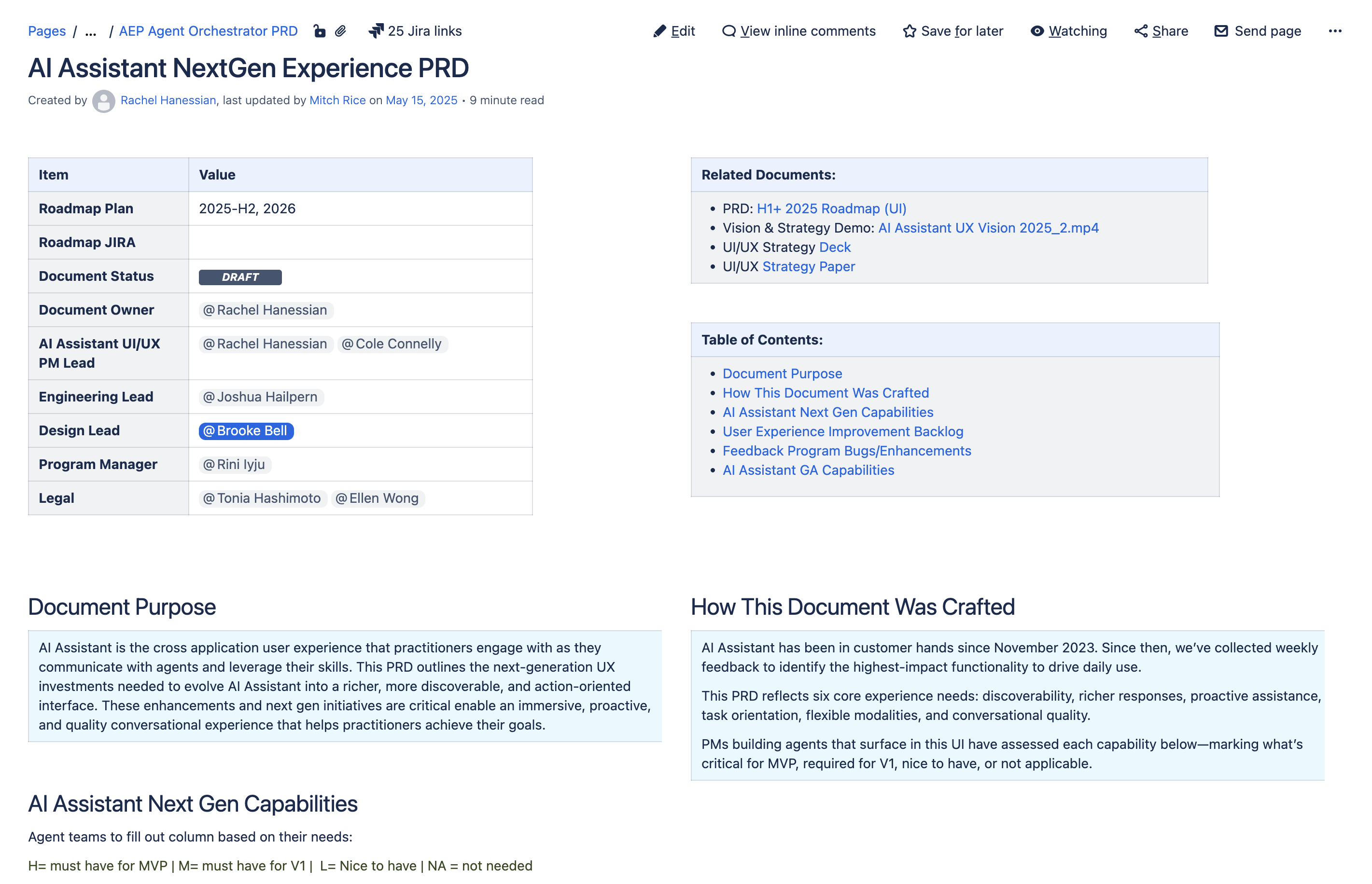
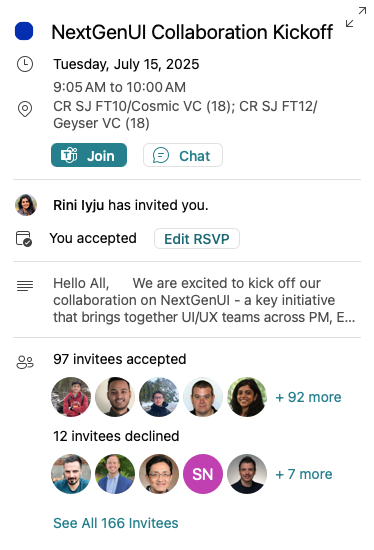
July
2
Month Two — Partnership
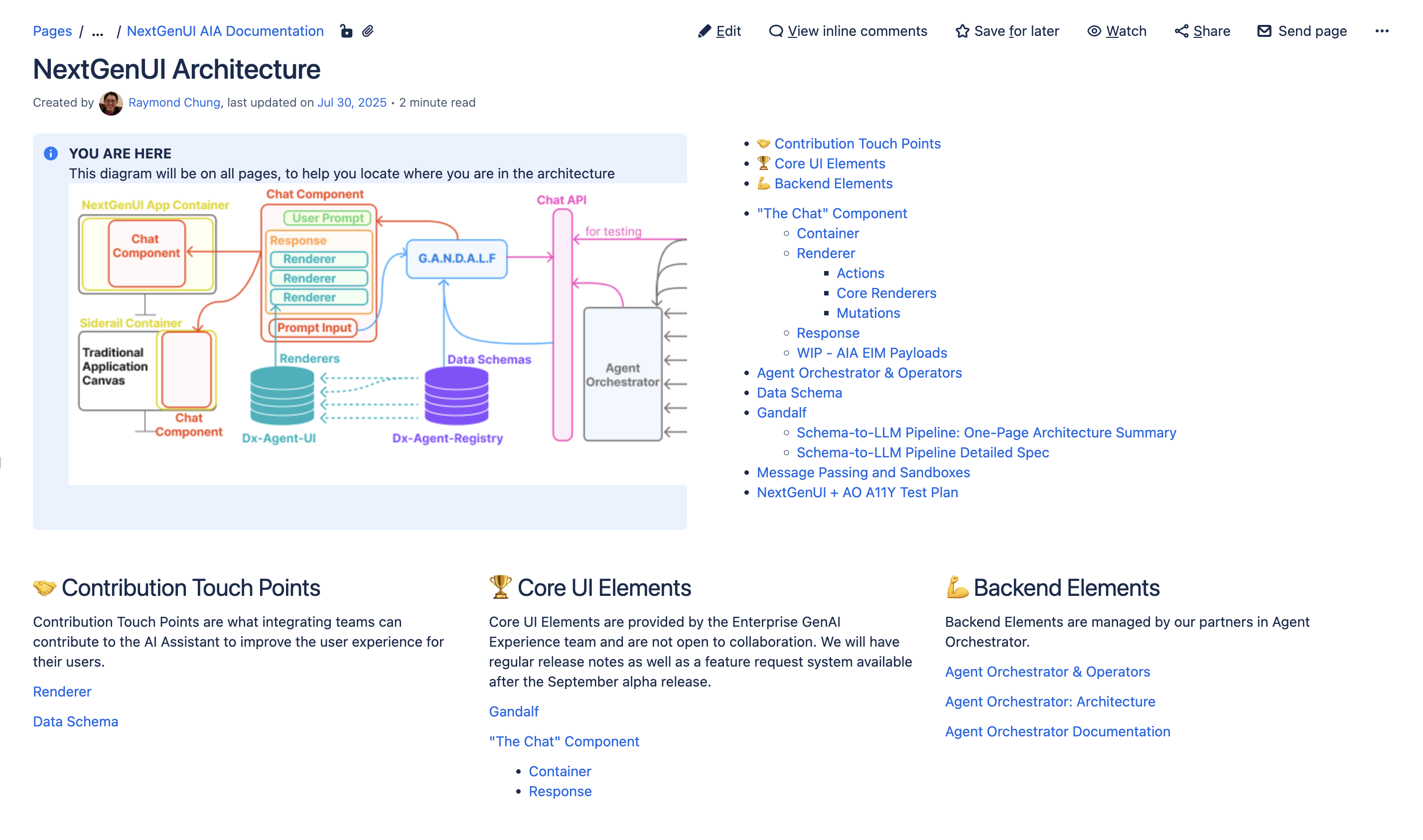
August
3
Month Three — Ship
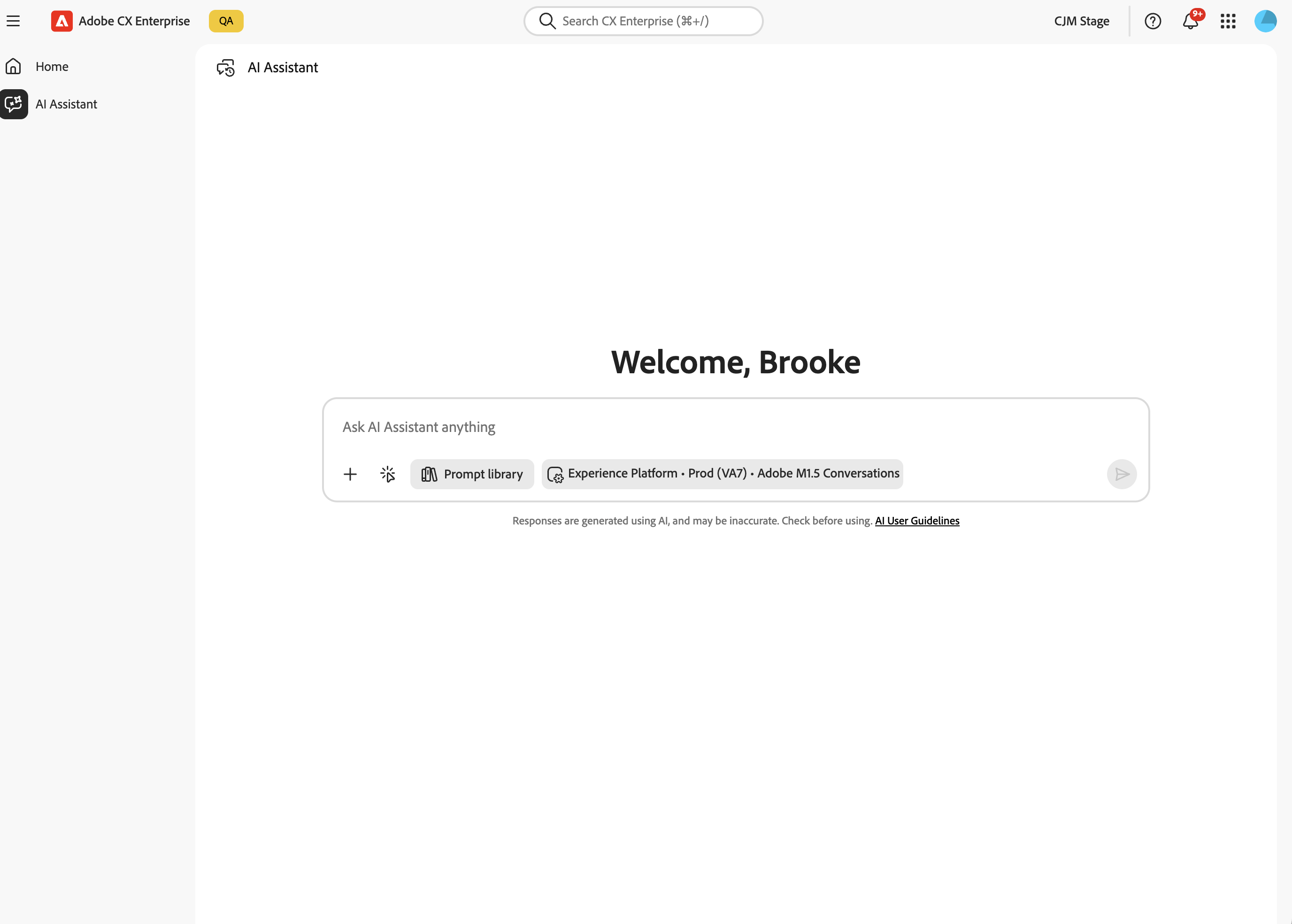
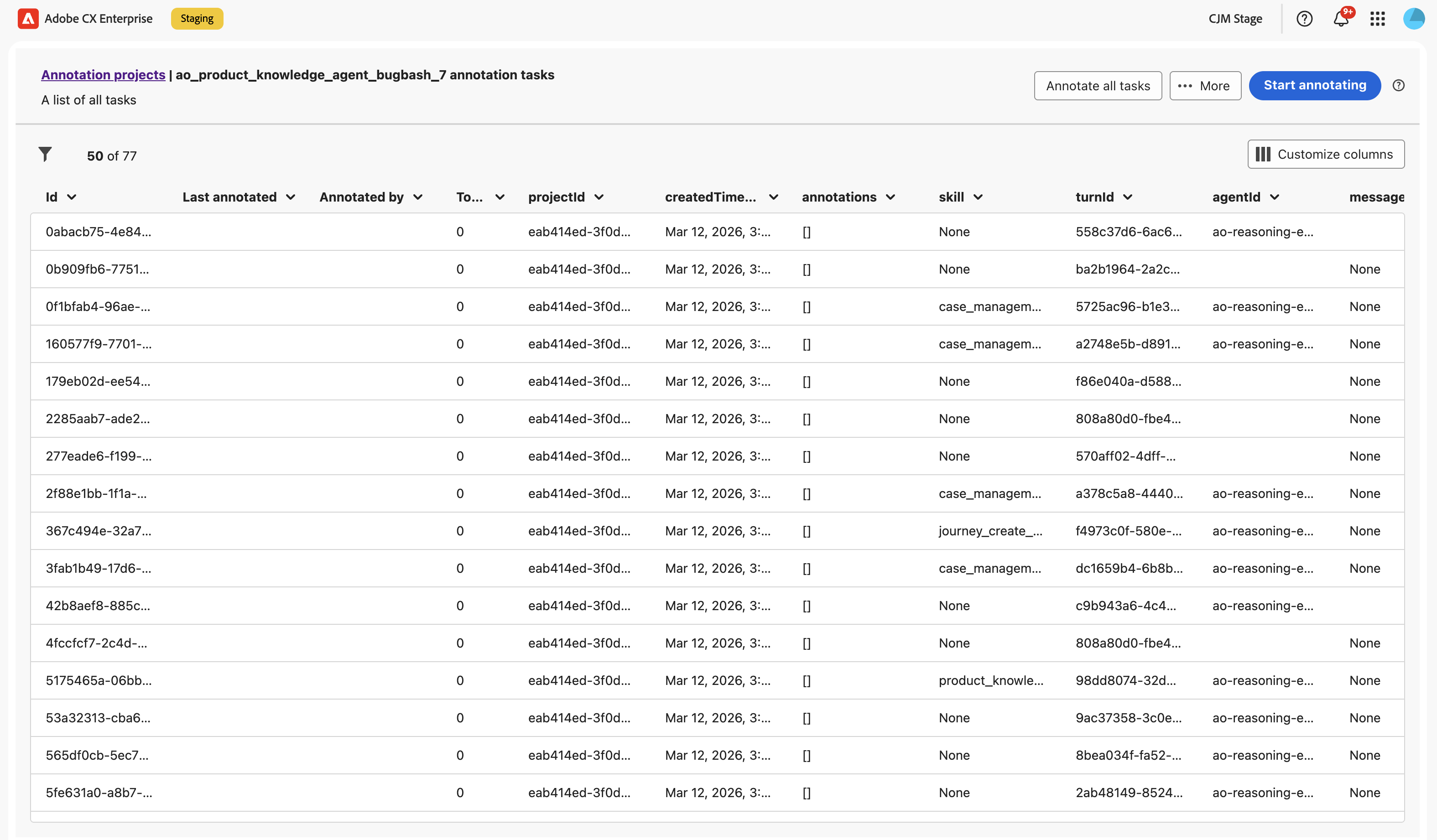
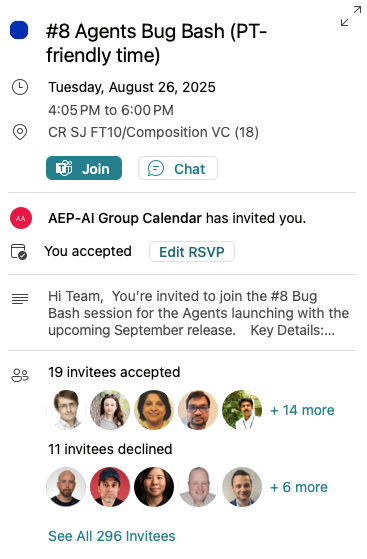
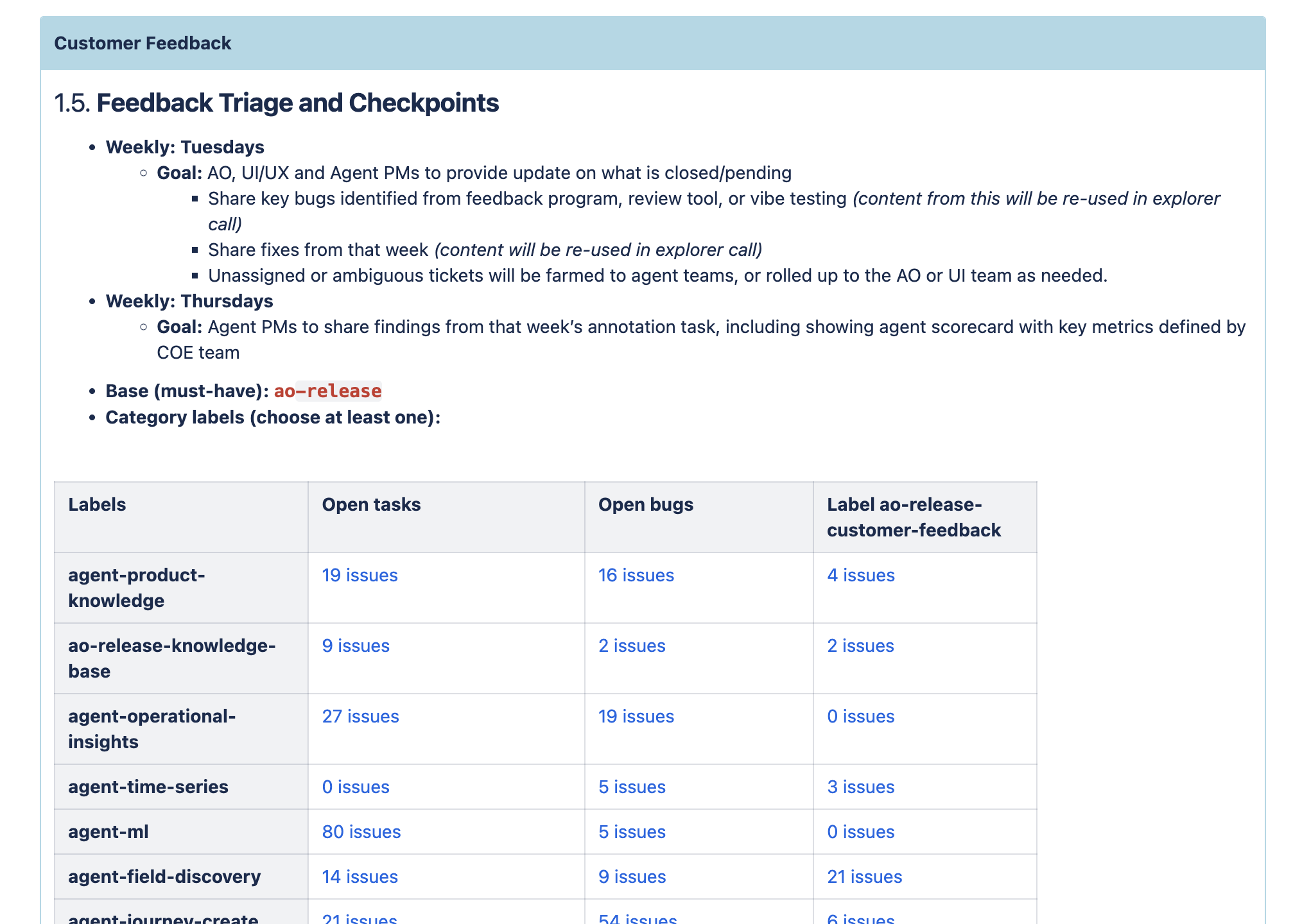
12
Agents Shipped
700+
Bug bashers
100+
Design bugs logged
3
Months to GA
30
Customers onboarded
1
Monumental release
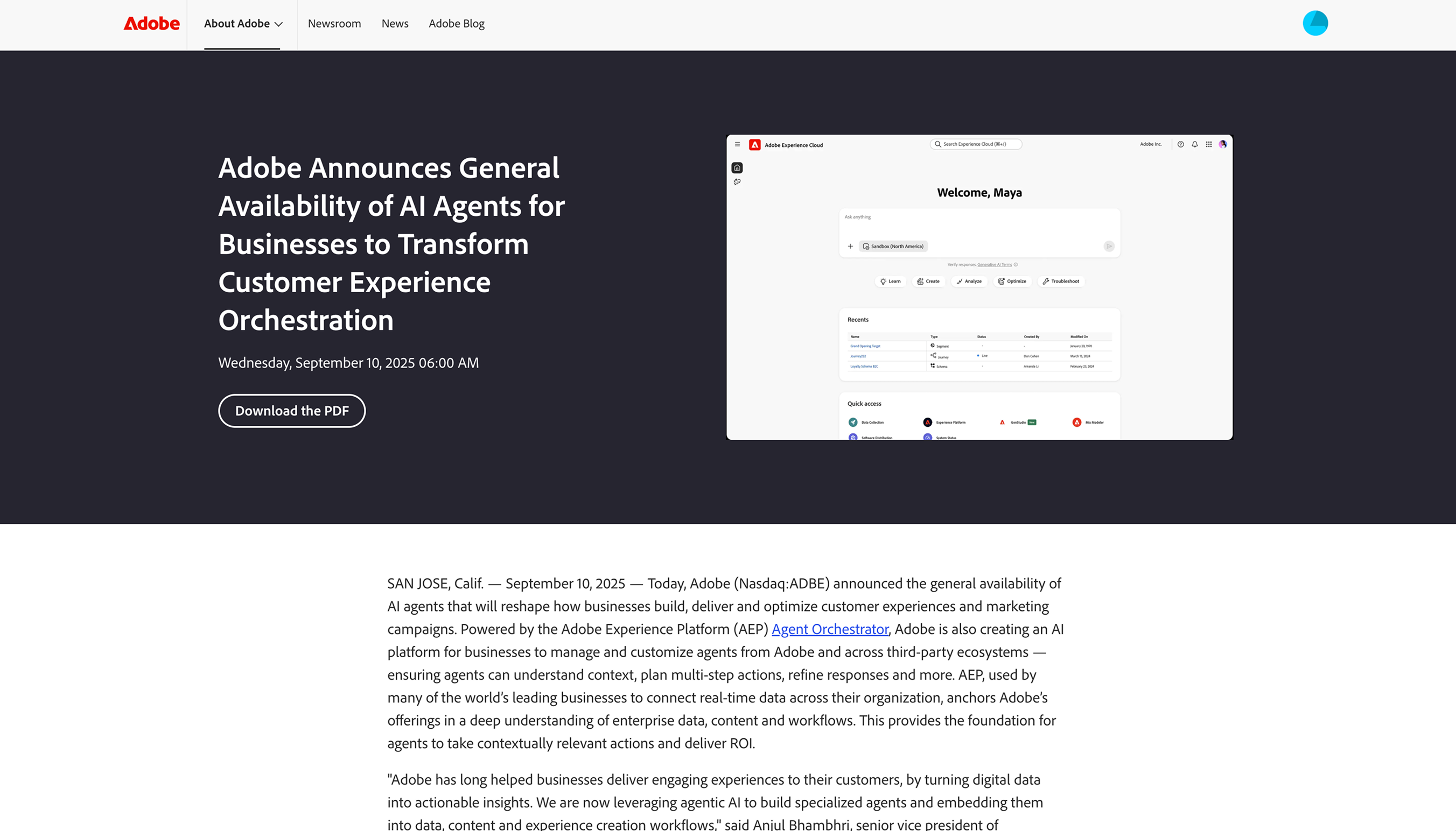
announcementga.png